Devices
Who: an Admin. When: checking which computers are connected, or moving one.
Go to POS › Devices. Each register has one computer.
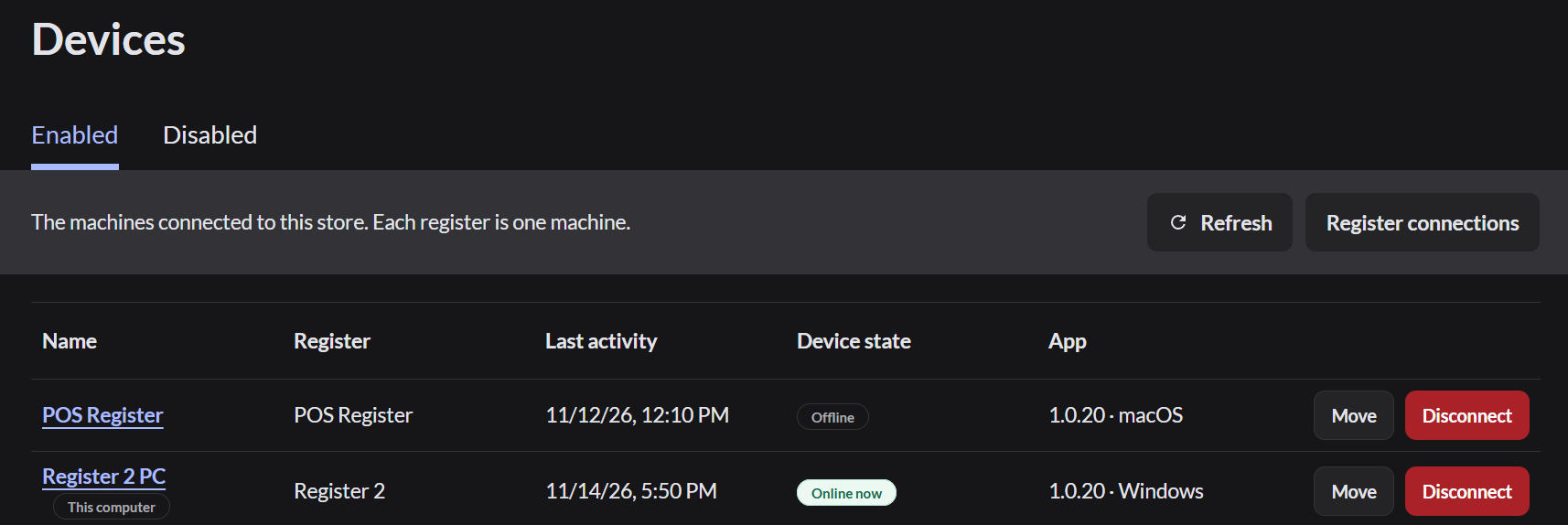
What the list shows
| Column | Meaning |
|---|---|
| Name | The computer's name. Click it to rename it |
| Register | The register this computer sells on |
| Last activity | When it last connected to the store |
| Device state | Online now or Offline |
| App | The app version and whether it's Windows or macOS |
Rename a computer
- Click the computer's name.
- Type a clear name, such as Main gate PC.
- Click Rename device.
Move a computer to another register
Click Move next to the computer and choose the register. If that register already has a computer, the button says Move and disconnect. The other computer is disconnected.
Disconnect a computer
Click Disconnect. The computer can no longer sell, and its register is free for another computer. Its sales and register records are kept.
Disconnecting signs out anyone using that computer. Make sure no one is in the middle of a sale.
Disconnected computers move to the Disabled tab.