Move to another table
Who: server. When: a party changes tables.
Quick version
Open the order › Switch table › type the new table number › Transfer.
1. Open the order
Go to Sell › Tables, tap the table, and click Select.
2. Switch the table
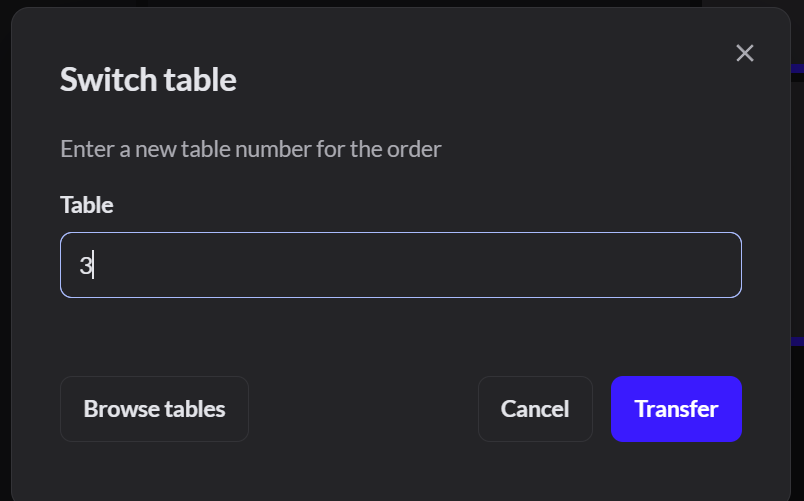
Click Switch table. Type the new table number, or click Browse tables, then click Transfer.
You can only move an order to a free table. In Browse tables, tables in use say Occupied. Two orders can't be combined onto one table.
3. Check it
The order header shows the new table.
Expected result: the old table is free and the new table shows the order.
