Add a customer to a sale
Who: cashier. When: the customer wants the sale in their name, or needs store credit, layaway or on-account.
Quick version
Add a customer › type their name › pick them, or Add as a new customer.
1. Search for the customer
Click Add a customer above the sale and type their name.
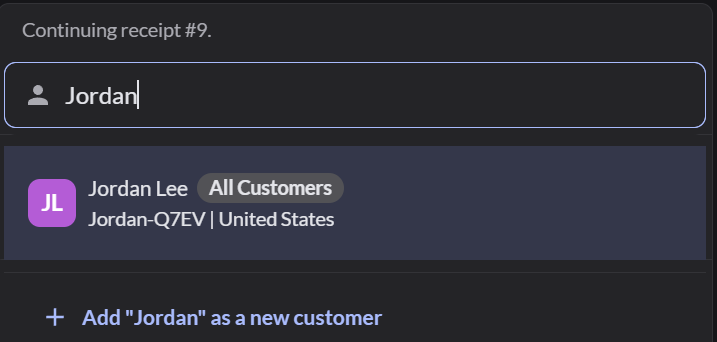
If they're in the list, click their name.
2. Add a new customer
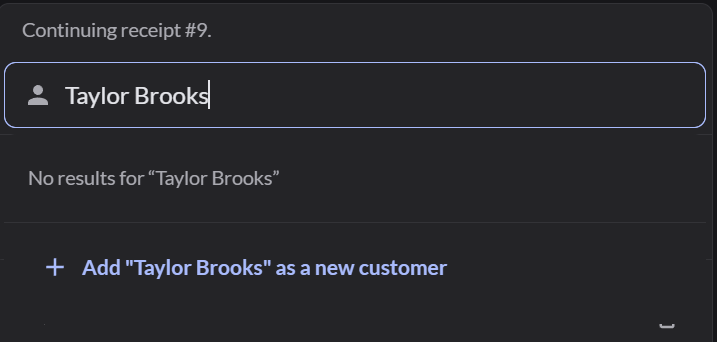
If nobody matches, click Add "name" as a new customer.
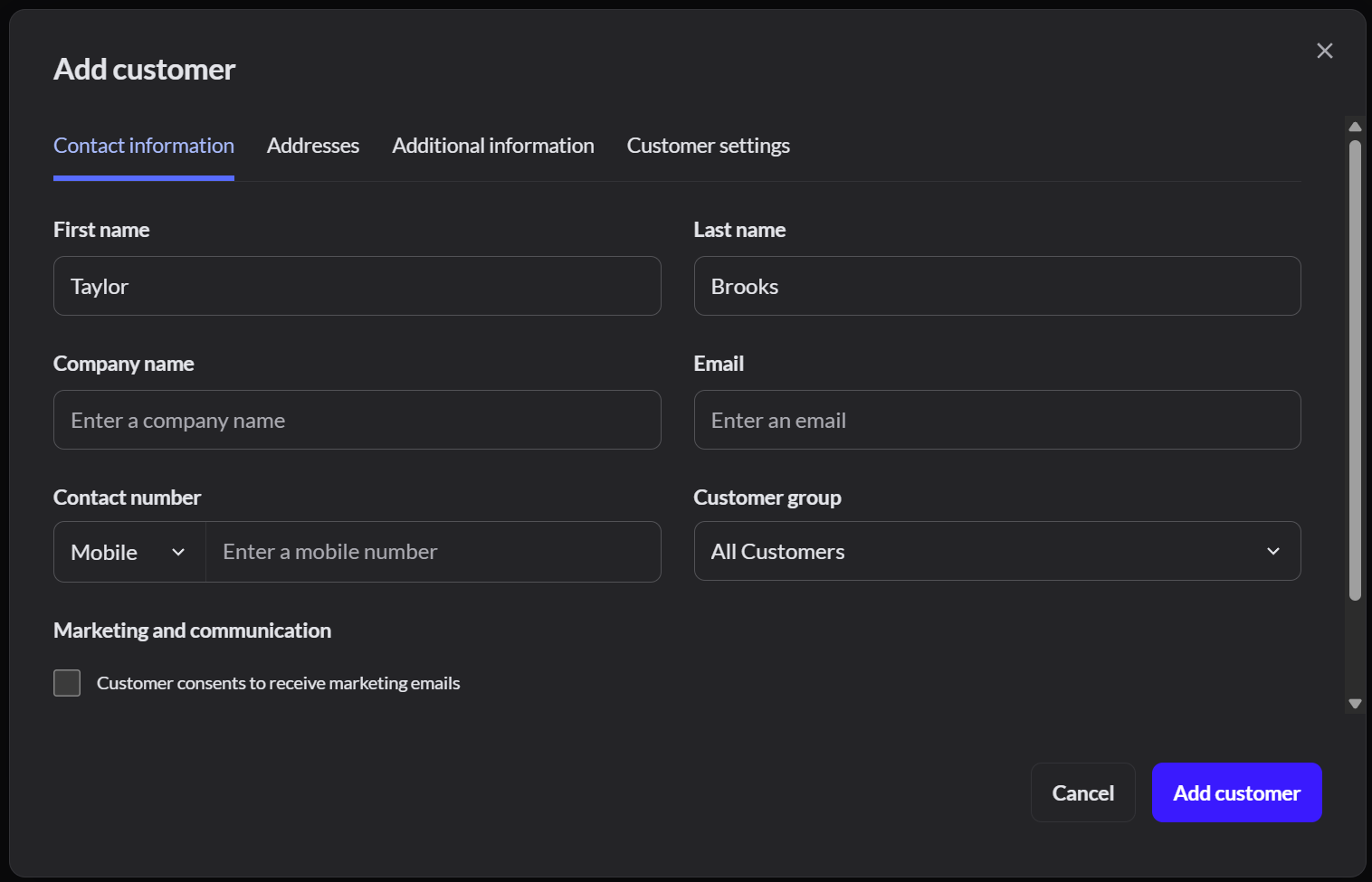
Fill in the details the customer gives you. Only the name is required. Click Add customer.
3. Continue the sale
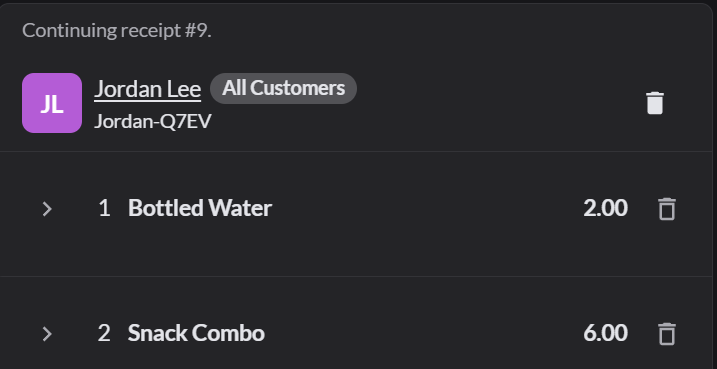
The customer appears at the top of the sale. Click Pay as usual.
If it doesn't work
- The same customer appears twice: search before you add a customer. A manager can merge duplicates in Customers.
- Wrong customer: click the trash icon next to their name to remove them from the sale.