Switch user and sign out
Who: everyone. When: someone else takes over the register, or your shift ends.
Quick version
Click your name at the top right › Switch user or Sign out.
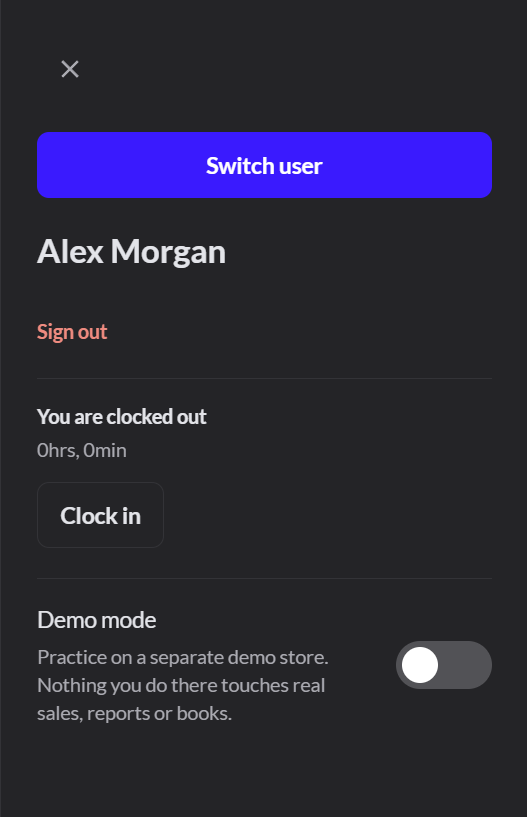
Hand the register to someone else
- Click your name at the top right.
- Click Switch user.
- The next person picks their name and signs in.
The register stays open. From then on, sales are recorded under the new person.
In Restaurant mode, give your open tables and tabs to the next person before you switch. How to give an order to another server
Sign out
- Finish or park the sale on screen.
- Click your name at the top right.
- Click Sign out.
Clock in and out
The same panel shows whether you're clocked in. Click Clock in when you start and Clock out when you finish.
Don't leave the register signed in under your name. Anything rung up on it is recorded as yours.