Pay with two payment methods
Who: cashier. When: a customer wants to pay part of a sale one way and the rest another way, such as part cash and part card.
Quick version
Pay › type the first amount › choose how they pay › take the payment › choose how they pay the rest.
1. Type the first amount
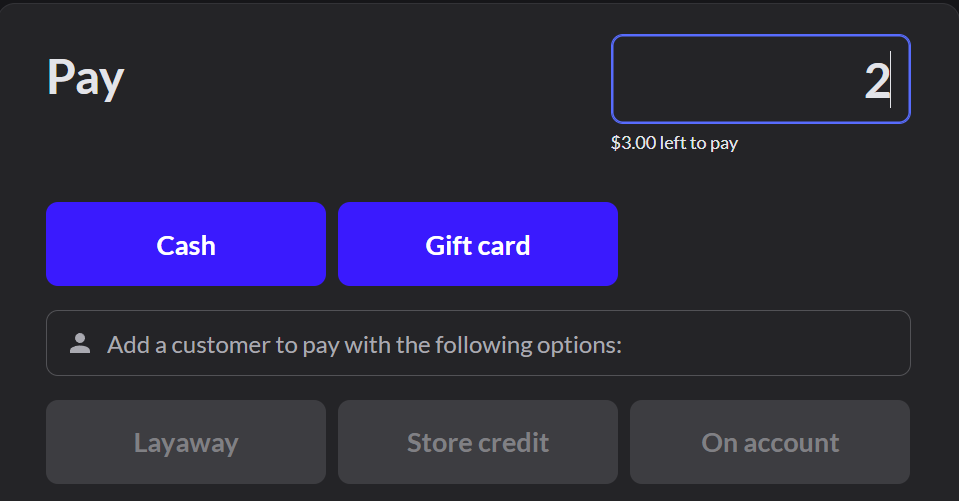
Click Pay. The box at the top right shows the full amount due. Type the amount the customer wants to pay first. The note under the box shows how much will be left to pay.
2. Take the first payment
Choose how they pay this part, such as Cash, and take the payment as usual. For cash, type the amount and press Enter. If change is due, hand it over and click Next payment. For a card: How to take a card payment
3. Take the rest
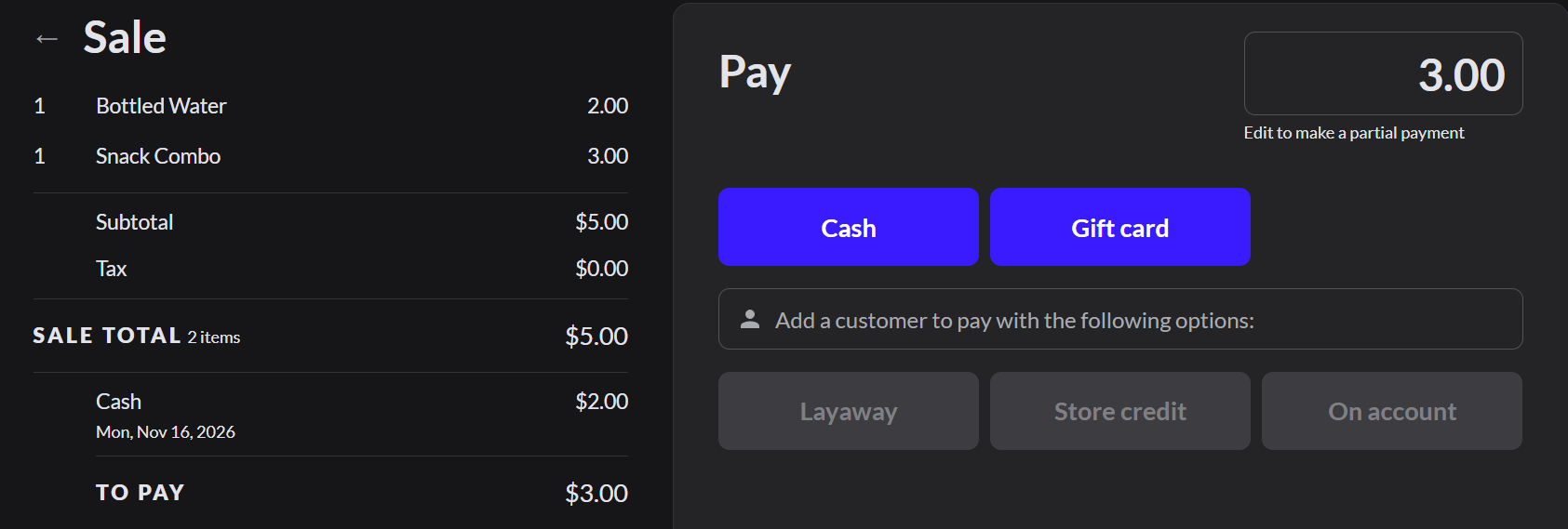
The sale on the left lists the first payment and shows To pay. The box at the top right now shows the rest. Choose how they pay it and take the payment.
4. Finish the sale
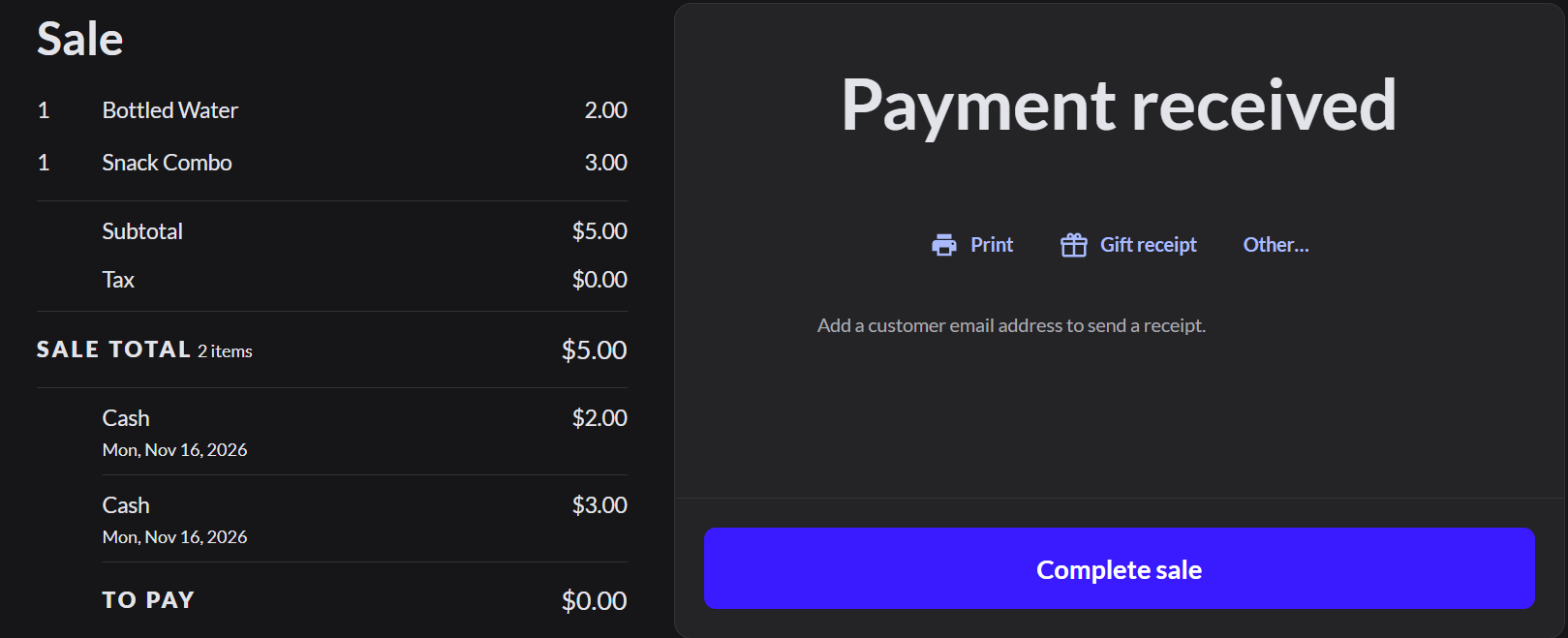
When the payments cover the total, the screen says Payment received. Click Complete sale.
If it doesn't work
- "Only ... is left to pay": the amount is more than what's left. Type a smaller amount.
- You can't park or discard the sale: a payment was already taken. Take the rest of the payment to finish the sale.
- You took a payment by mistake: type its amount as a negative number, such as -2, and choose the same payment type. This cancels it. Cancelling a card payment refunds it to the card.